
Why Is My Business Internet or Wi-Fi So Slow? Causes and Fixes
The common causes of slow business internet and office Wi-Fi, how to find the problem and how to fix it.
How UK IT support is priced in 2026: typical per-user costs, what is included, what costs extra, and how to compare quotes fairly.

If you run a small business, IT support is one of those costs that is hard to compare. One provider quotes per user, another per device, another by the hour, and every proposal seems to include something different. This guide explains how IT support is priced in the UK in 2026, what is usually included, what tends to cost extra, and how to compare quotes fairly so you pay for what your business actually needs.
Most UK small businesses that outsource their IT now pay a fixed monthly fee per user. Among providers that publish their prices, typical managed IT support in 2026 sits somewhere between roughly £40 and £95 per user per month. Where you land in that range depends far more on what is included than on the provider’s name: whether Microsoft 365 licences are bundled, how much security tooling comes with it, whether there is out-of-hours cover, and whether on-site visits are part of the fee.
That means two quotes of £45 and £85 per user can both be fair. They are usually just describing different services. The rest of this guide shows you how to tell them apart.
The most common model for managed IT. You pay a set amount for each member of staff, and that covers their devices, their Microsoft 365 account and their calls to the helpdesk. It is easy to budget for and grows or shrinks with your team. Check whether shared PCs, servers and network equipment are covered or charged separately.
Here you pay for each computer, server or network device that is looked after. It can suit businesses with lots of shared machines, such as a warehouse or workshop, but it can be harder to predict because a new laptop or printer changes the bill.
You buy a set number of support hours in advance, often at a discount to the ad hoc rate. This works for businesses with steady, light needs. The risk is running out mid-month, or paying for hours you don’t use.
You call someone when something breaks and pay for the time. It looks cheapest on paper, especially for very small teams, but nobody is keeping your systems patched, backed up and secure in the meantime, so problems tend to be bigger and more expensive when they happen. We compare the two approaches in detail in managed IT services vs break/fix.
Every provider words it differently, but a sensible managed IT service for a small business normally covers:
You can see how we structure this on our managed IT services page.
Most of the difference between a cheap quote and a realistic one is in the exclusions. Before you sign, check how each of these is handled:
Cyber Essentials is the government-backed scheme that shows you have basic cyber security controls in place, and it is increasingly asked for in tenders and by insurers. IASME, which runs the scheme, publishes assessment fees by organisation size: £210 + VAT for micro businesses (0–9 employees), £245 for small (10–49), £262.50 for medium (50–249) and £300 for large organisations. That is the assessment itself; help from an IT provider to get your devices and settings compliant is usually extra, so ask whether it is included. Our cyber security checklist for small businesses covers the basics you’ll need in place.
A support contract keeps your equipment running, but it does not stop it ageing. Budget for replacing laptops and PCs every four to five years, and plan for any devices that can’t run a supported version of Windows. Unsupported devices stop getting security updates, which is a risk in itself and can stop you passing Cyber Essentials.
The biggest cost of poor IT rarely shows up on an invoice: it is staff who can’t work because email is down, the shared drive is locked or a laptop won’t start. When you compare quotes, think about how quickly each provider would realistically get your team working again.
Put each proposal side by side and ask the same questions of all of them:
For a wider checklist of what to look for, see our guide on how to choose the right IT support provider in the UK.
For most businesses with more than a handful of staff, yes. The alternative is usually someone in the office who “is good with computers” doing IT on top of their real job, or calling a technician only when something has already gone wrong. A managed service costs more each month than doing nothing, but it replaces unpredictable emergency bills with a planned cost, keeps your systems patched and backed up, and means one team is accountable when something breaks.
If you have only one or two people and very simple needs, pay-as-you-go support or a small block of hours may be enough, as long as someone is checking your backups and security.
We don’t publish a fixed price list, because the right service for a five-person office in Sutton Coldfield is different from a multi-site manufacturer in the Black Country. Instead, we review your users, devices and systems, agree what the service will cover, and give you a clear written proposal showing what is and isn’t included before you commit. We support businesses across Birmingham and the West Midlands from our base at Maple Business Park, and provide remote IT support across the UK.
If you’d like to know what IT support would cost for your business, get in touch or call us on 0121 233 0200.
Among providers that publish prices, managed IT support in 2026 typically ranges from about £40 to £95 per user per month. The lower end is usually remote-only support without licences; the higher end tends to include Microsoft 365 Business Premium licences, more security tooling and wider support hours.
Fixed-price support is easier to budget for and means your provider has a reason to prevent problems, not just fix them. Paying by the hour can be cheaper for very small teams with simple needs, but costs are unpredictable and nobody is maintaining your systems between call-outs.
Support for Microsoft 365 (setting up users, mailboxes, Teams and security settings) is normally included. The licences themselves are usually billed separately, so check each quote.
IASME’s published assessment fee starts at £210 + VAT for organisations with up to nine employees, rising to £300 + VAT for those with 250 or more. Help preparing for the assessment is usually charged separately.
Keep reading
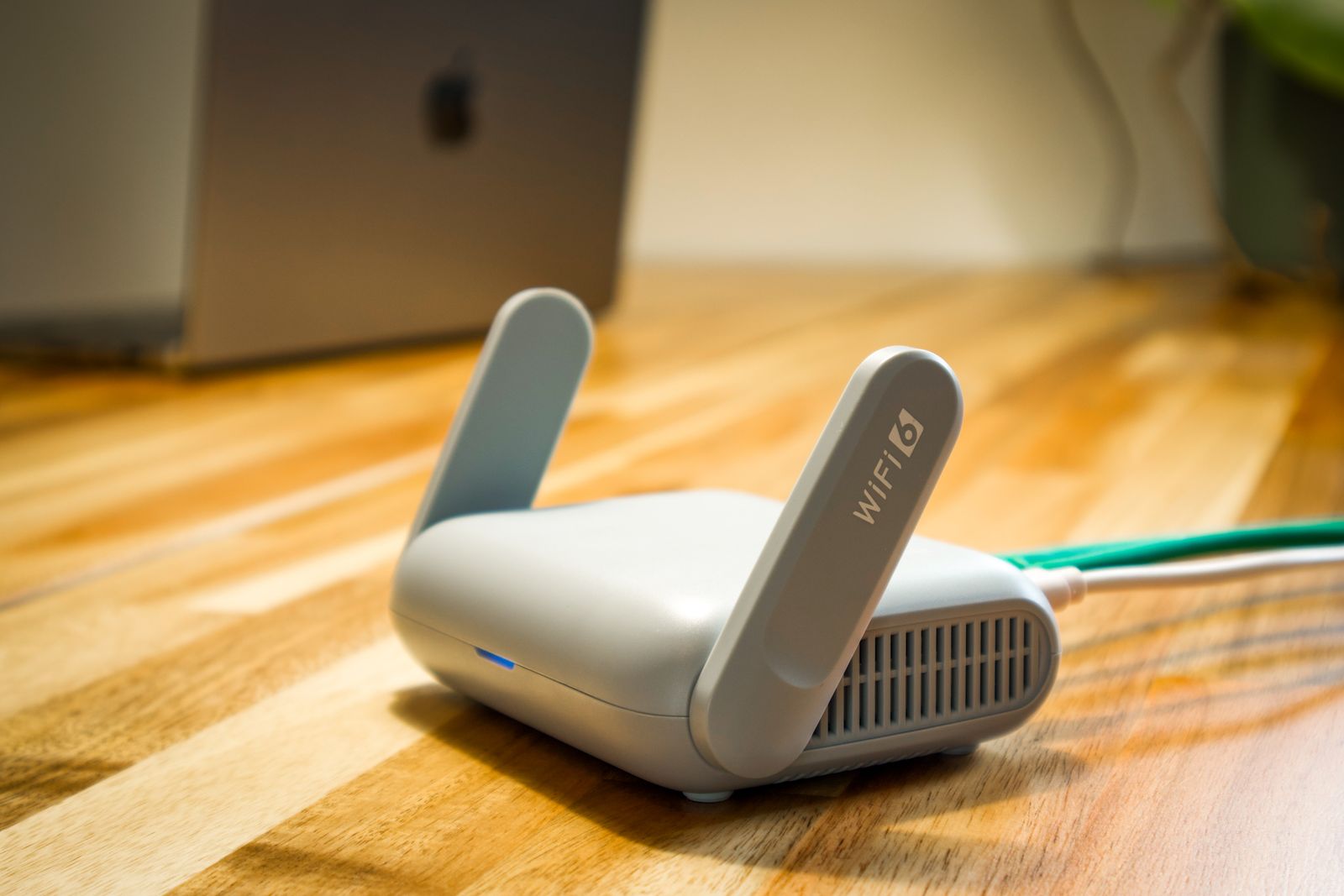
The common causes of slow business internet and office Wi-Fi, how to find the problem and how to fix it.

What a business continuity plan is, what to include, and a free template small businesses can copy and complete.

Put the advice into practice
Discuss your business systems, support needs and next IT project with our Birmingham team.