
Why Is My Business Internet or Wi-Fi So Slow? Causes and Fixes
The common causes of slow business internet and office Wi-Fi, how to find the problem and how to fix it.
What the PSTN switch-off means for UK businesses, the January 2027 deadline, what it affects beyond phones and a checklist to prepare.

The UK’s old copper telephone network is being switched off. Every business still using traditional phone lines, or equipment that depends on them, needs to move to digital alternatives before the deadline. This guide explains what the PSTN switch-off is, when it happens, what it affects in a business beyond the phones, and what to do now.
The PSTN (Public Switched Telephone Network) is the analogue copper network that has carried UK landline calls for decades, along with ISDN, the digital lines many businesses used for multi-line phone systems. Openreach and the phone providers are retiring both and moving every line to digital services that run over broadband, often called “all-IP”. For homes this is known as Digital Voice; for businesses it usually means moving to VoIP or cloud phone systems.
The switch-off was originally planned for December 2025, but BT extended the deadline. The move to digital lines is now due to finish by January 2027. Lines are being migrated area by area before then, and providers have stopped selling new traditional lines, so many businesses will be moved, or asked to move, sooner. Your provider should contact you, but don’t rely on that: if your business still has old lines, plan now.
Phones are the obvious part, but the switch-off also affects anything plugged into a phone line. Check for:
Some of these will work over a digital line with an adapter; others need replacing or a different type of connection, such as a 4G router. Speak to the supplier of each system rather than assuming it will carry on working.
Calls run over your internet connection to a phone system hosted by the provider. Staff can answer from desk phones, laptops or mobiles, which suits hybrid working, and you pay per user each month. This is the most common choice for small businesses.
If your business already uses Microsoft 365 and Teams, you can add phone numbers to Teams so calls arrive in the same app as chats and meetings. It works well for office-based and hybrid teams, with desk phones available if staff prefer them.
If you have a newer on-site phone system that supports it, SIP trunks can replace ISDN lines without replacing the whole system. It is worth checking how long the existing system will remain supported before investing in it.
Once calls run over the internet, your broadband becomes critical. Before moving:
We help businesses in Birmingham and across the West Midlands prepare their networks for digital phones: checking broadband and Wi-Fi, configuring routers and firewalls for voice traffic, setting up Microsoft Teams calling, and working with your phone and alarm suppliers on the changeover. See our networking and Microsoft 365 services, or get in touch on 0121 233 0200.
The move from the old copper network to digital lines is due to finish by January 2027, with lines being migrated area by area before then.
Usually not. Most businesses can keep, or “port”, their existing numbers to a new digital phone service.
Not necessarily. Alarms that dial out over a phone line may need an adapter, an upgrade or a different type of connection. Check with your alarm company.
Keep reading
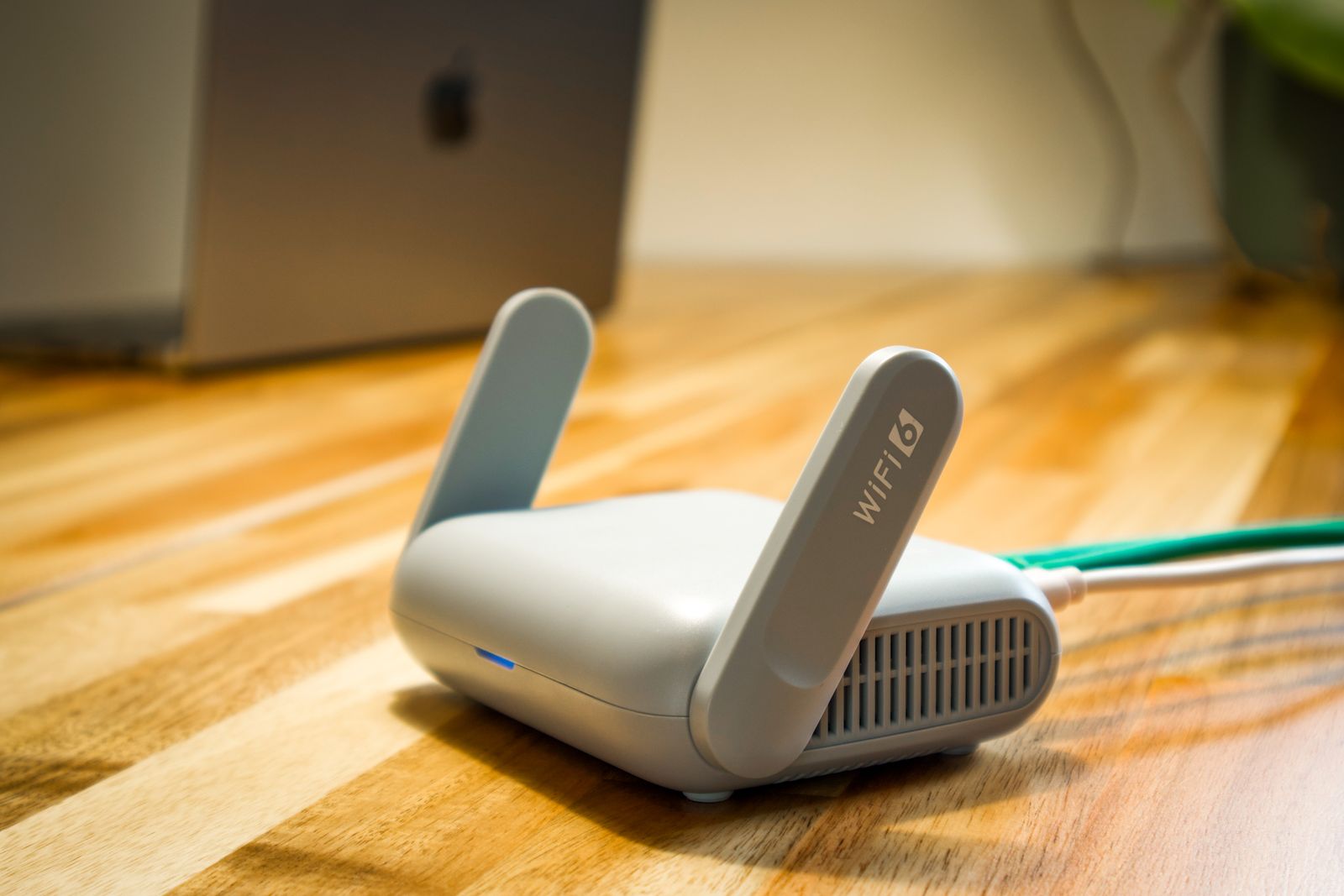
The common causes of slow business internet and office Wi-Fi, how to find the problem and how to fix it.

What a business continuity plan is, what to include, and a free template small businesses can copy and complete.

What a Trojan horse virus is, what it can do, examples, warning signs and how UK businesses can protect themselves.
Put the advice into practice
Discuss your business systems, support needs and next IT project with our Birmingham team.