
Cat6 vs Cat6a: Which Network Cable Should Your Office Use?
Cat6 or Cat6a for your office cabling? Speed, distance, PoE, cost and which to choose for desks, Wi-Fi access points and CCTV.
...
Read more →
The IT challenges manufacturers face, from downtime and legacy machine PCs to factory Wi-Fi, and what good IT support for manufacturing looks like.
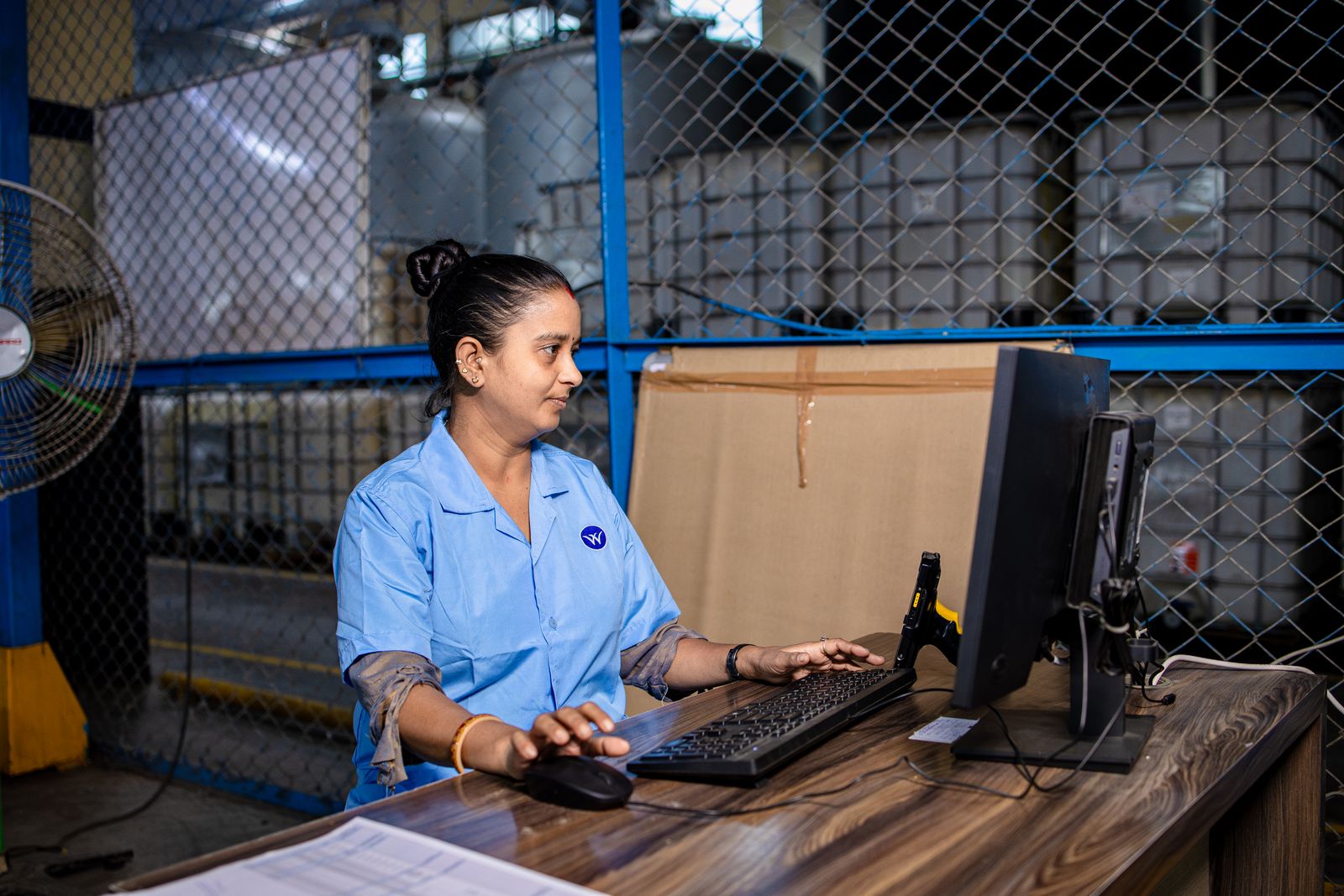
Manufacturing businesses depend on IT more than ever, but their needs are different from a typical office. Production can’t stop while someone waits for a laptop fix. Machines, scanners and label printers sit on the same network as office PCs. Shop floors are noisy, dusty and spread out, and Wi-Fi has to work through racking and steel. This guide covers what manufacturers should look for in an IT support provider.
When the ERP system, stock control, label printing or internet connection goes down, production and dispatch stop with it. Response times matter more than in most sectors.
Many factories have PCs, CNC machines, PLCs, CCTV, scanners and printers all on one flat network. That makes problems harder to find, and a single infected PC can affect equipment on the shop floor.
Machine-control PCs often run old versions of Windows because the manufacturer’s software only works there. They can’t simply be upgraded, so they need to be isolated and protected instead.
Metal racking, machinery and large open spaces make warehouse and factory Wi-Fi hard to get right. Handheld scanners and tablets need reliable coverage everywhere.
If you run early, late or weekend shifts, problems don’t wait for 9 to 5.
Larger customers increasingly ask suppliers about cyber security, and some require Cyber Essentials before they’ll place orders.
Look for clear response times, prioritised by impact, and a provider close enough to be on site quickly when remote support isn’t enough.
Separating office PCs, production equipment, CCTV and guest Wi-Fi into their own networks (VLANs) limits the damage any one problem can do, and makes faults easier to trace.
A proper wireless survey, the right access points for high ceilings and racking, and robust structured cabling make scanners and tablets reliable.
Machine-control PCs that can’t be updated should be isolated from the internet and the office network, with only the connections they need allowed.
Your ERP, stock and design data need tested backups, with a plan for how quickly each system can be restored. Our business continuity plan template is a good starting point.
Multi-factor authentication, email filtering, endpoint protection and patching for office systems, with careful change control for production systems so updates never stop a line unexpectedly.
That includes CCTV for the yard and loading bays, door access, phones, label printers and the connections to your ERP or MRP software supplier.
Our guide on how to choose an IT support provider has more questions to ask.
The West Midlands has one of the UK’s biggest manufacturing communities, and E-Consulting has supported industrial and commercial businesses across Birmingham and the region since 2001. We look after office IT, networks and Wi-Fi, CCTV and cabling, so you deal with one team. See our managed IT support and West Midlands IT support pages, or book a free review on 0121 233 0200.
Ideally not. Separating them reduces the risk of one problem, such as malware on an office PC, affecting production.
Isolate them from the internet and the office network, restrict what can connect to them, and back them up. Replace them when the machine supplier supports a newer system.
It’s not a legal requirement, but many larger customers and public-sector contracts ask for it, and it’s a sensible baseline for any business.
Keep reading


Put the advice into practice
Discuss your business systems, support needs and next IT project with our Birmingham team.