
Cat6 vs Cat6a: Which Network Cable Should Your Office Use?
Cat6 or Cat6a for your office cabling? Speed, distance, PoE, cost and which to choose for desks, Wi-Fi access points and CCTV.
...
Read more →
An installer’s honest comparison of Hikvision and UniFi Protect CCTV for UK businesses: cameras, apps, costs and which suits your site.
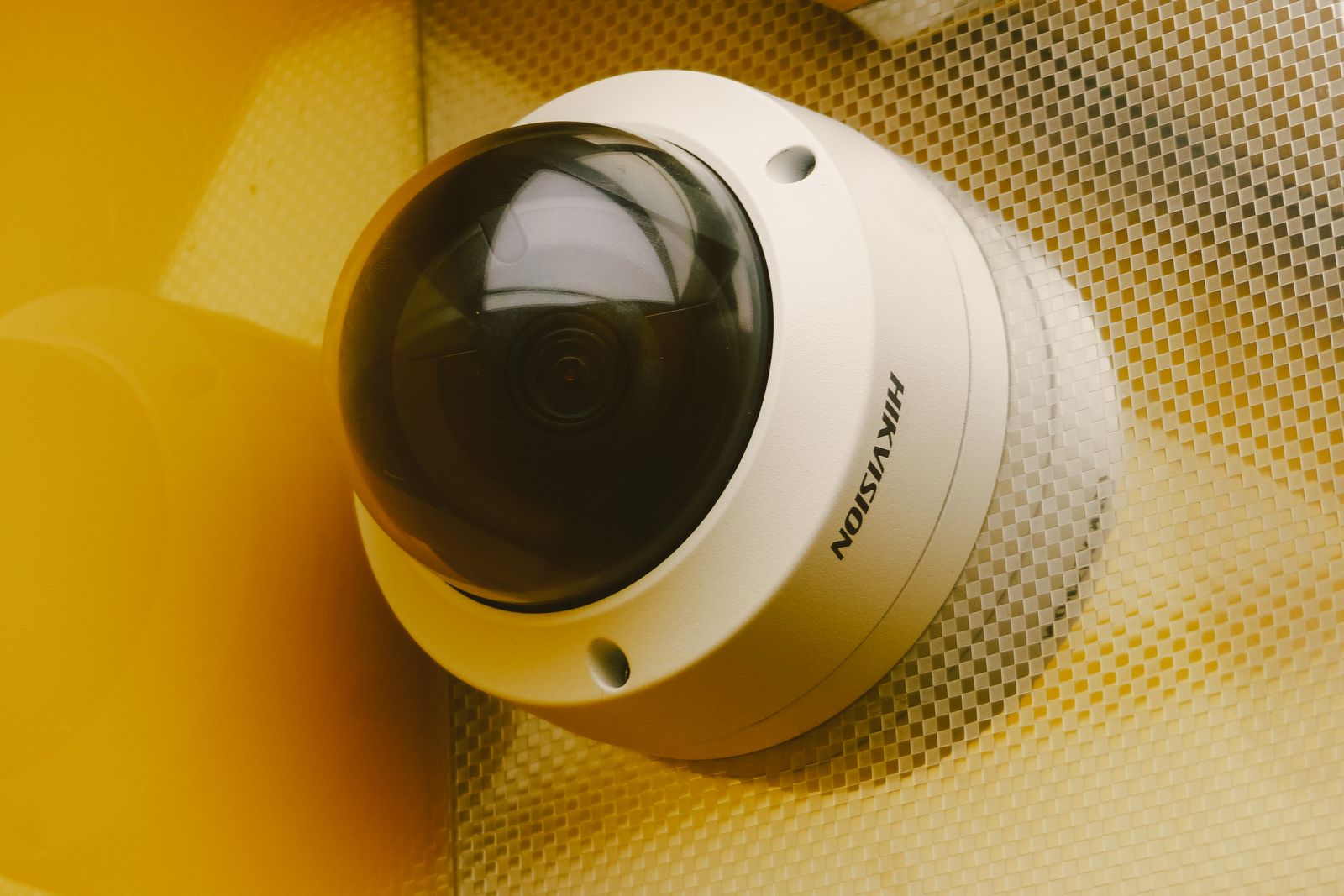
Hikvision and Ubiquiti’s UniFi Protect are two of the most popular CCTV choices for UK businesses. We install both, and the right one depends on your site, what you need the cameras to do, and what network equipment you already have. This guide compares them honestly to help you decide.
Hikvision is one of the world’s largest CCTV manufacturers. Its range is huge, covering everything from small dome cameras to long-range bullet cameras, pan-tilt-zoom (PTZ) cameras, number plate recognition and thermal imaging. Recordings are stored on a network video recorder (NVR) on site, and viewed through the Hik-Connect app or software.
UniFi Protect is Ubiquiti’s video surveillance platform. Cameras record to a UniFi NVR or UniFi gateway on site, and the whole system is managed through the same UniFi app and dashboard used for UniFi switches, Wi-Fi and firewalls.
| Hikvision | UniFi Protect | |
|---|---|---|
| Camera range | Very wide, including specialist models | Good core range, fewer specialist options |
| Ease of use | Powerful, more technical | Very simple, modern app |
| Recording | On-site NVR | On-site UniFi NVR or gateway |
| Network integration | Works with any network | Best with UniFi networking |
| Best for | Large, outdoor and industrial sites, ANPR | Offices, shops and multi-site SMEs wanting simplicity |
UniFi Protect is often the better fit: simple to use, tidy, and easy for staff to check footage on a phone.
Hikvision’s long-range and low-light cameras, and options like ANPR for vehicle gates, usually give better coverage of large outdoor areas.
Both can be viewed remotely across sites. If each site runs UniFi networking, Protect keeps everything in one place.
Some sites benefit from a mix, for example UniFi inside the office and specialist Hikvision cameras on the perimeter, though this means two apps.
E-Consulting designs and installs both Hikvision and UniFi Protect systems for businesses across Birmingham and the West Midlands. We’ll recommend whichever suits your site, not the one with the biggest margin. See our CCTV installation service, read how much business CCTV costs, or book a free site survey on 0121 233 0200.
No. In 2022 the UK government restricted new installations of Chinese-made cameras at sensitive government sites. Private businesses can still buy and use Hikvision cameras.
The core system records to your own UniFi hardware without a monthly licence fee. Some optional cloud services are charged separately.
Yes. Both systems have mobile apps for live and recorded footage, as long as remote access is set up securely.
Keep reading


Put the advice into practice
Discuss your business systems, support needs and next IT project with our Birmingham team.