
Cat6 vs Cat6a: Which Network Cable Should Your Office Use?
Cat6 or Cat6a for your office cabling? Speed, distance, PoE, cost and which to choose for desks, Wi-Fi access points and CCTV.
...
Read more →
The data protection rules for business CCTV in the UK: ICO fee, signage, retention, security and subject access requests, with a checklist.
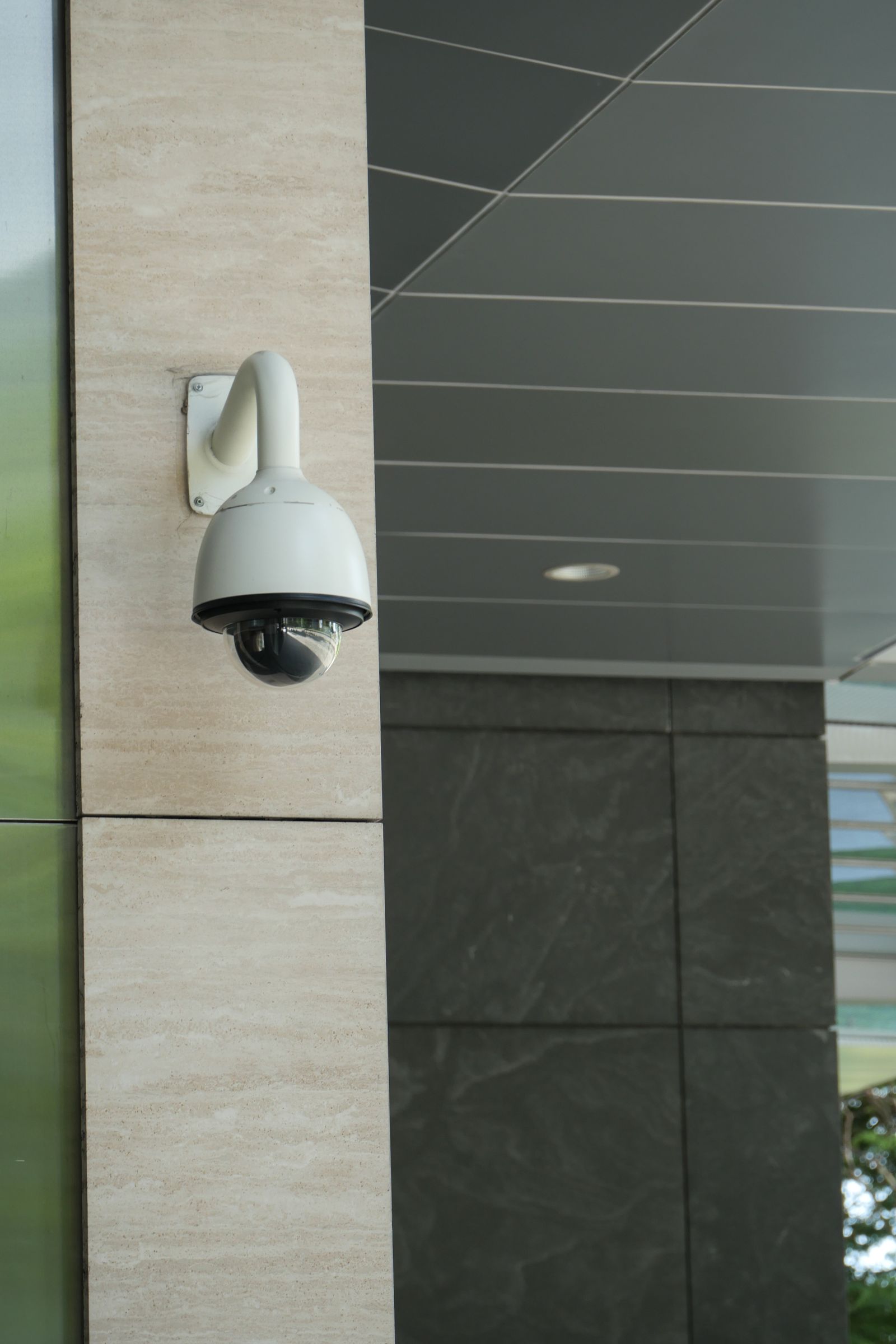
If your business uses CCTV that can identify people, the footage is personal data. That means UK GDPR and the Data Protection Act 2018 apply, and the Information Commissioner’s Office (ICO) expects you to follow some clear rules. The good news is that compliance is mostly common sense. This guide covers what UK businesses need to do, in plain English.
This is general guidance, not legal advice. The ICO is reviewing its CCTV guidance following the Data (Use and Access) Act 2025, so check the ICO website for the latest position.
Decide and write down why you need cameras, for example to prevent theft, protect staff or secure a yard. Each camera should have a purpose, and the system should be proportionate to the problem. Cameras watching staff at their desks all day, or covering toilets and changing areas, are very hard to justify.
A Data Protection Impact Assessment (DPIA) records the risks to people’s privacy and how you’re reducing them. It’s required for higher-risk surveillance and is good practice for any business system. It doesn’t need to be long: what you’re recording, why, who can see it, how long you keep it, and why less intrusive options wouldn’t work.
Most businesses that use CCTV must register with the ICO and pay the annual data protection fee, unless they’re exempt. Most small businesses pay £52 a year. If you already pay the fee for other reasons, you don’t pay again for CCTV.
People must know they’re being recorded. Signs should be clearly visible before people enter the area covered, and say who operates the cameras and how to contact you. Larger signs are needed where cameras cover car parks and entrances.
The law doesn’t set a fixed retention period. You should keep footage only as long as you need it for your stated purpose, then delete it automatically. Many businesses settle on around 30 days, which is long enough to spot and investigate most incidents. If an incident happens, save the relevant clip separately and keep it until the matter is closed.
Set the recorder to overwrite automatically. A recorder that holds months of footage by default is a common compliance problem.
Anyone captured on your cameras can ask for a copy of footage of themselves. You normally have one calendar month to respond, and usually can’t charge a fee. You may need to blur other people in the footage before releasing it. Ask the requester for a date, time and description to help you find it, and make sure staff who manage the system can recognise a request.
Recording conversations is far more intrusive than video and is rarely justified for general security. Most business systems should have audio recording switched off.
If cameras cover areas where staff work, tell them what’s recorded, why and how footage is used, ideally in a CCTV or monitoring policy. Covert monitoring of staff is only justified in exceptional circumstances.
Point cameras at your own property. If they capture the street or neighbouring premises, make sure that’s necessary and use privacy masking where possible.
You can share footage with the police to help prevent or detect crime. Keep a record of what you disclosed, when and why. For insurers or solicitors, consider whether the request is necessary before sharing.
Many compliance problems come from how a system was set up: default passwords, recorders keeping footage indefinitely, or cameras pointing further than needed. When E-Consulting installs business CCTV, we set sensible retention, secure access and camera views from day one. Compare systems in our guide to Hikvision vs UniFi Protect, read how much business CCTV costs, or book a free survey on 0121 233 0200.
Most businesses using CCTV that captures identifiable people need to pay the ICO data protection fee, unless they’re exempt or already pay it.
There’s no fixed legal period. Keep it only as long as needed for your purpose, often around 30 days, and keep specific clips longer only while an incident is being dealt with.
Only where it’s necessary and proportionate, and staff must be told. Cameras in toilets or changing areas, or constant monitoring of individual staff, are very unlikely to be justified.
Yes. People can make a subject access request for footage of themselves, and you usually have one month to respond.
Keep reading



Put the advice into practice
Discuss your business systems, support needs and next IT project with our Birmingham team.